Four ideas: your crew gets a net, apps stay home, every app has doors, and nothing important crosses a cloud.
01 · The net
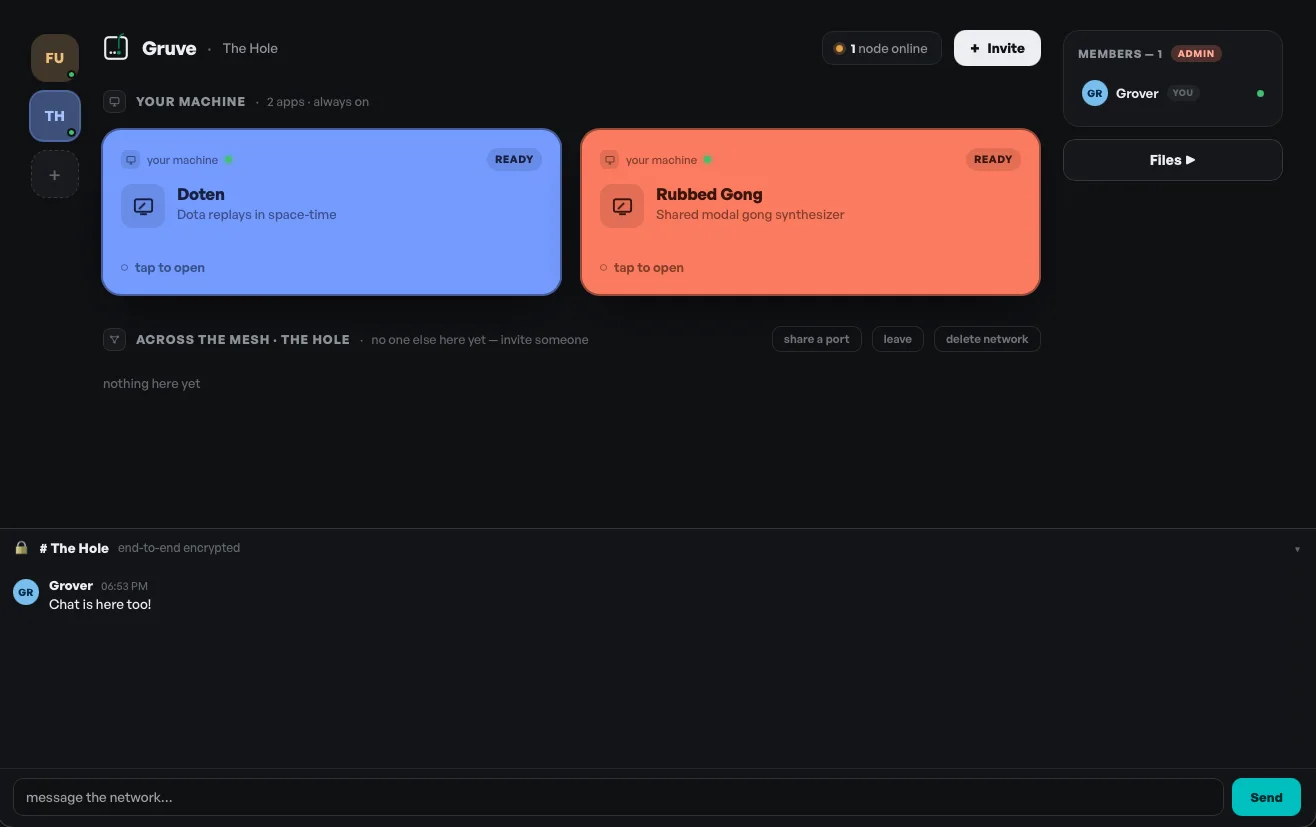
A net is a private network for one friend group, with one owner. You start a net, you invite your people, and that's the whole membership system — there's no public discovery, no search, no strangers. If you're not invited, the net doesn't exist for you.
The gap in our logo is the invitation: a net is a closed border that opens, deliberately, for a friend. You can belong to several nets at once — your college crew, your coworkers, your siblings — and Gruve shows them all in one lobby, side by side.
02 · The nodes
Every machine in a net is a node — your laptop, your desktop, a friend's homelab box. Apps run on the node where they were made, and friends connect to them there. Nothing gets uploaded, deployed, or copied to a platform.
This has one honest consequence: when a host's machine sleeps, its apps go dark. The tile grays out in everyone's lobby until the node comes back. That's not a bug — it's what owning your stuff looks like. (Always-on nodes, on the roadmap, are for the apps that deserve to outlive a laptop lid.)
03 · The doors
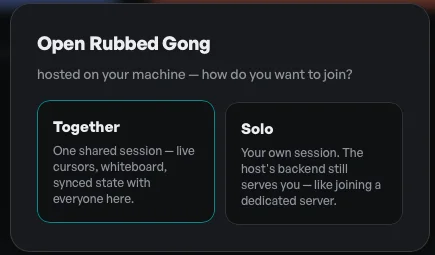
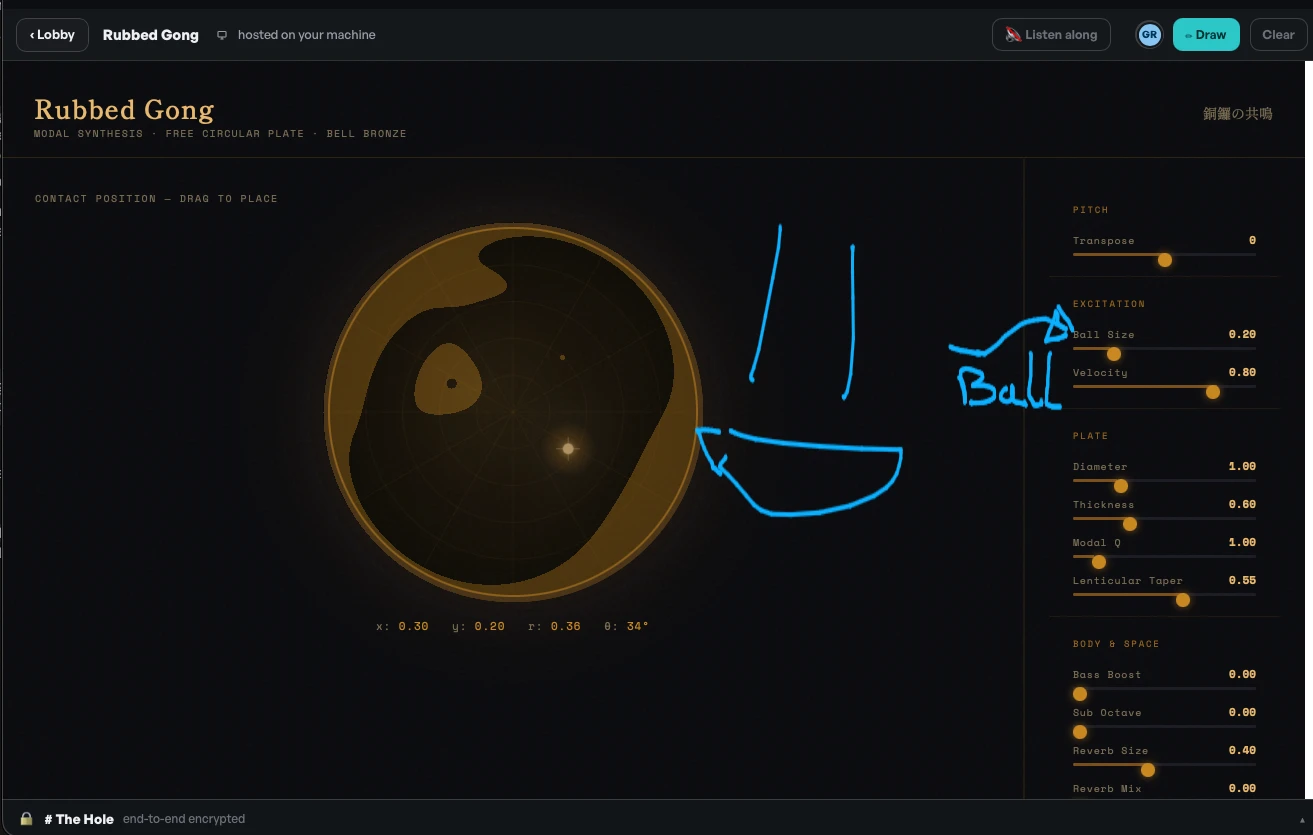
A shared session. A presence layer composites over the app — friends' cursors drifting, a shared whiteboard, an avatar bar — and it works over any iframe, no app cooperation required. Apps built against the Gruve SDK go further and share real state: last-write-wins per key, replayed to late joiners, so everyone edits the same document or plays the same board. Authors never write netcode.
Your own private session against the host's backend — dedicated-server style. The app needs no special handling; backend multiplayer lives in the host's backend behind named upstreams, where it works for solo viewers too.
04 · The mesh
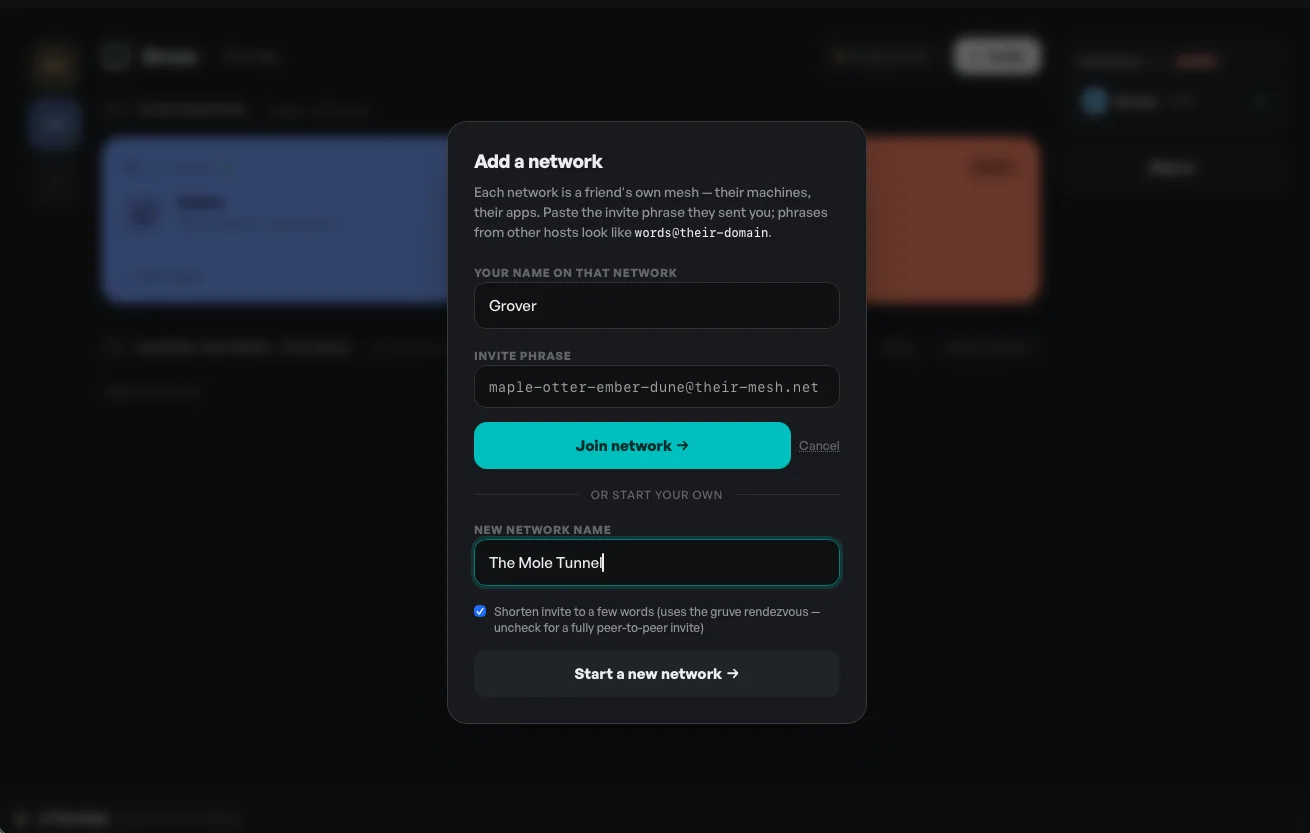
Machines in a net reach each other over direct, encrypted connections, with hole-punching handled for you — no port forwarding, no router settings, no VPN to install. Identity is your machine's cryptographic node ID, so there's no account and no login server.
And it's peer-to-peer the whole way down — not just your data, but the coordination too. Membership and presence gossip directly between nodes; nothing central keeps the lights on. The one optional helper is a cosmetic shortener that turns a long reference into a few friendly words, and you can skip it entirely — raw references work fine. Nothing about the mesh depends on us being alive.
05 · Beyond apps
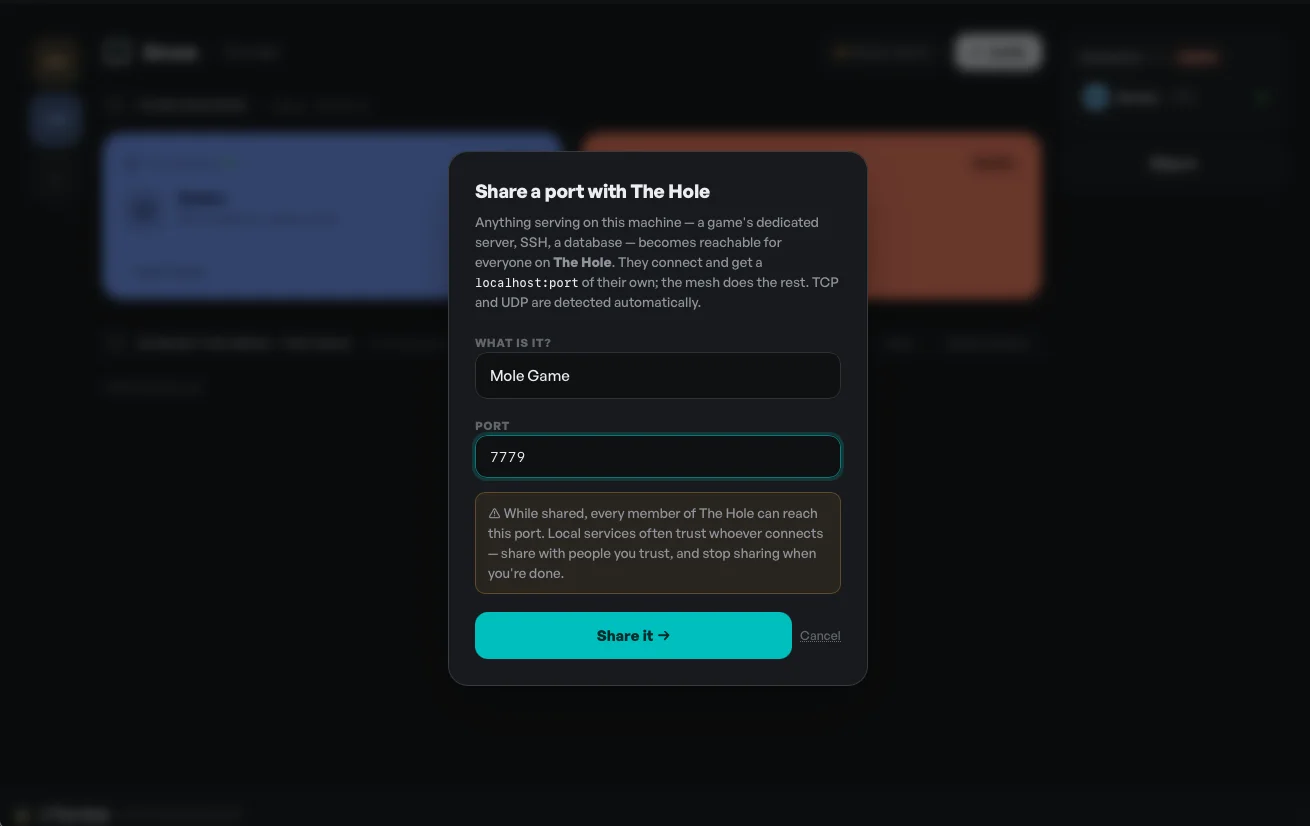
The link between your machines isn't only for apps. Every net has end-to-end encrypted chat built in. You can send a file or an entire folder by reference — your friend streams it straight from your disk, with no upload step and no copy left on a server. And you can share a local port, so anything already running on your machine becomes reachable to a friend as if it were on theirs.
For builders
An app joins the mesh by announcing itself to the local agent — one POST, re-sent as a heartbeat. Declare your UI port and any backend ports as named upstreams:
Route backend calls through the SDK so they resolve on whoever's hosting, not a hardcoded localhost. And if you want shared state, joinSession is the whole surface — subscribe to remote changes, set a key. Small enough that telling your AI assistant to wire it up works on the first try:
gruve-kit is all of this in one open-source repo — the SDK (JavaScript, Python, Rust, and Go), the linter, and the full contract with the failure each rule came from. It's written to be read by a coding agent in a single pass: drop it in, say "make this work on Gruve," and let it do the wiring.